Free Downloads
Script Supervisor Templates (Free PDF Forms)
A free script supervisor kit: five printable PDF forms, no signup and no email wall. The script supervisor notes sheet logs every take; the script continuity sheet tracks props, wardrobe and eyelines beat by beat; the camera continuity log records lens, height and frame for matching pickups; the daily progress report is the script supervisor's end-of-day report; and the circle take / editor notes sheet tells editorial which takes to use.
5 pages, US Letter, print-and-fill by hand. Or download each sheet on its own below.
The script supervisor's forms
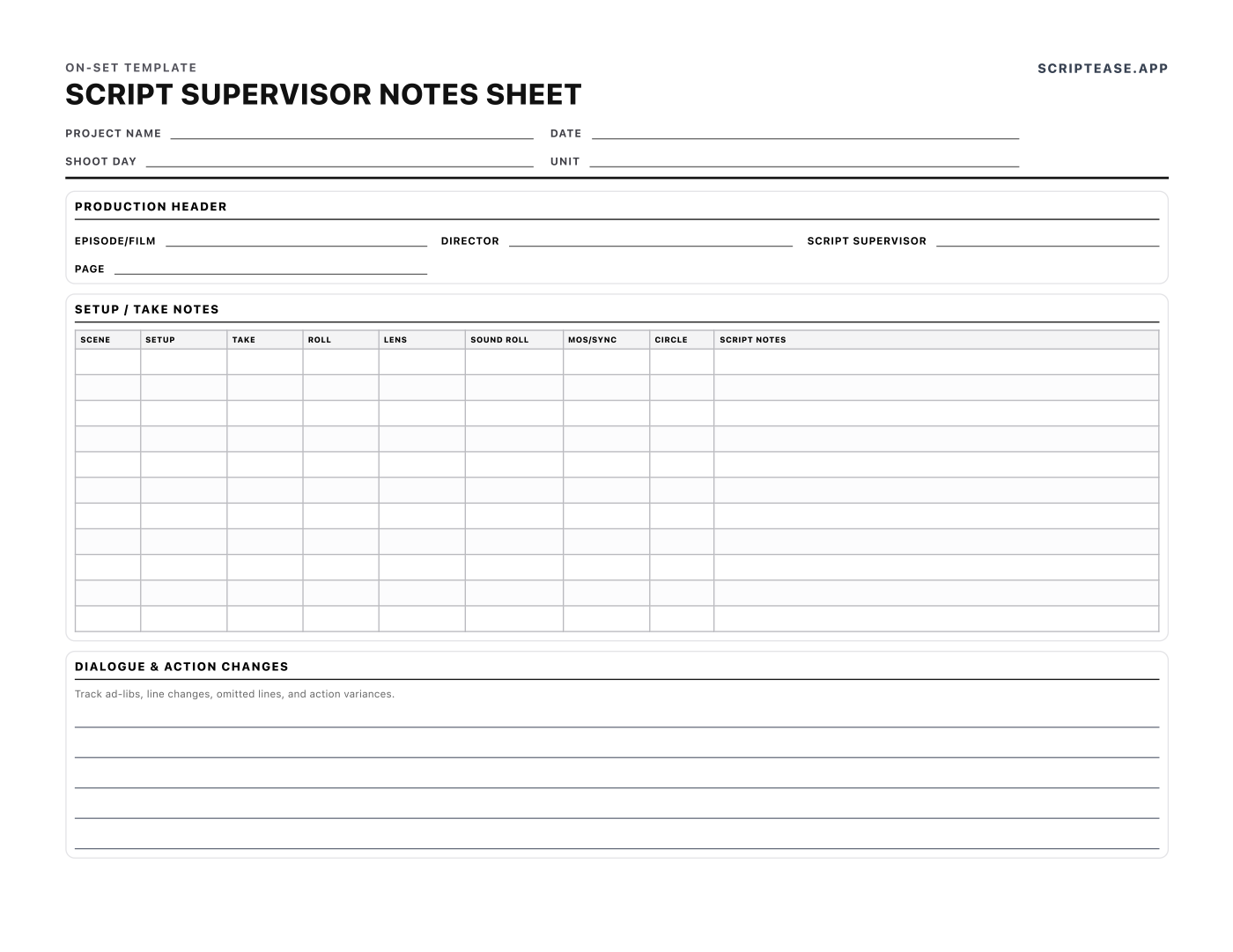
Script Supervisor Notes
Free script supervisor template (PDF): log scene, setup, take, roll, lens, sound roll, MOS/sync and circled takes. Landscape, no signup.
View & download →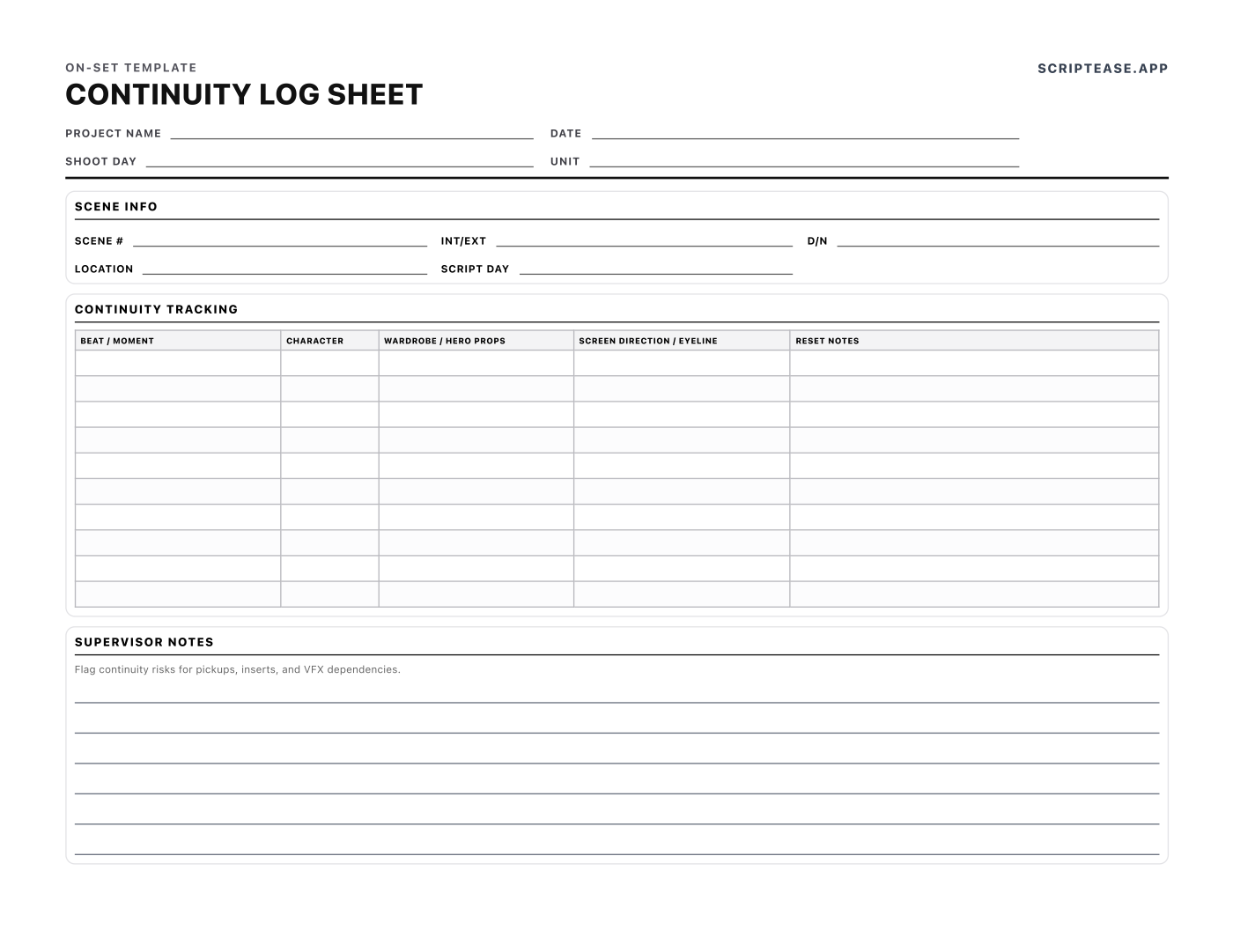
Continuity Log
Free printable script continuity sheet: beats, wardrobe, hero props, screen direction, eyelines and resets, scene by scene. US Letter PDF.
View & download →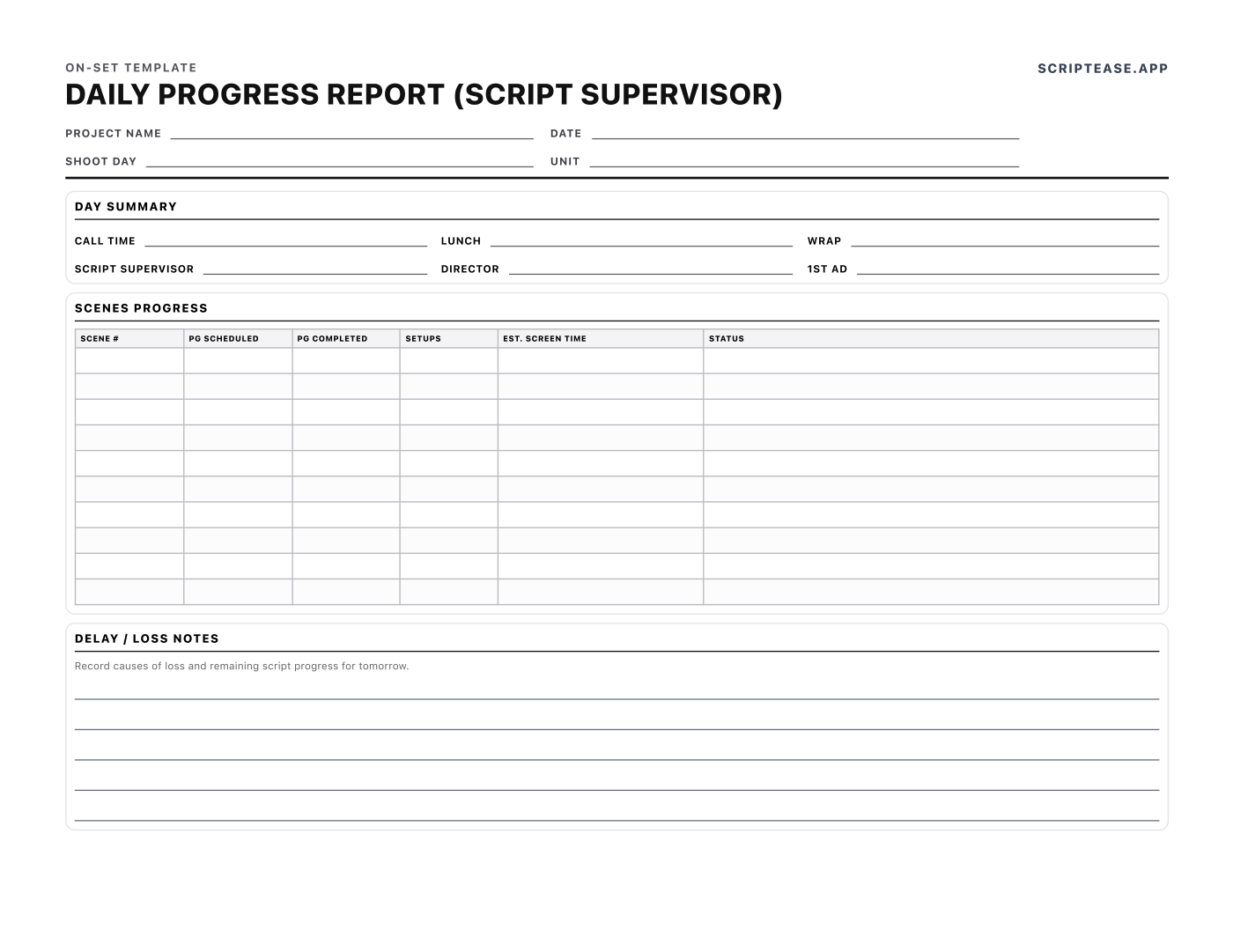
Daily Progress Report
Free script supervisor daily report and daily log: pages scheduled vs completed, setups, estimated screen time and causes of loss. Printable US Letter PDF.
View & download →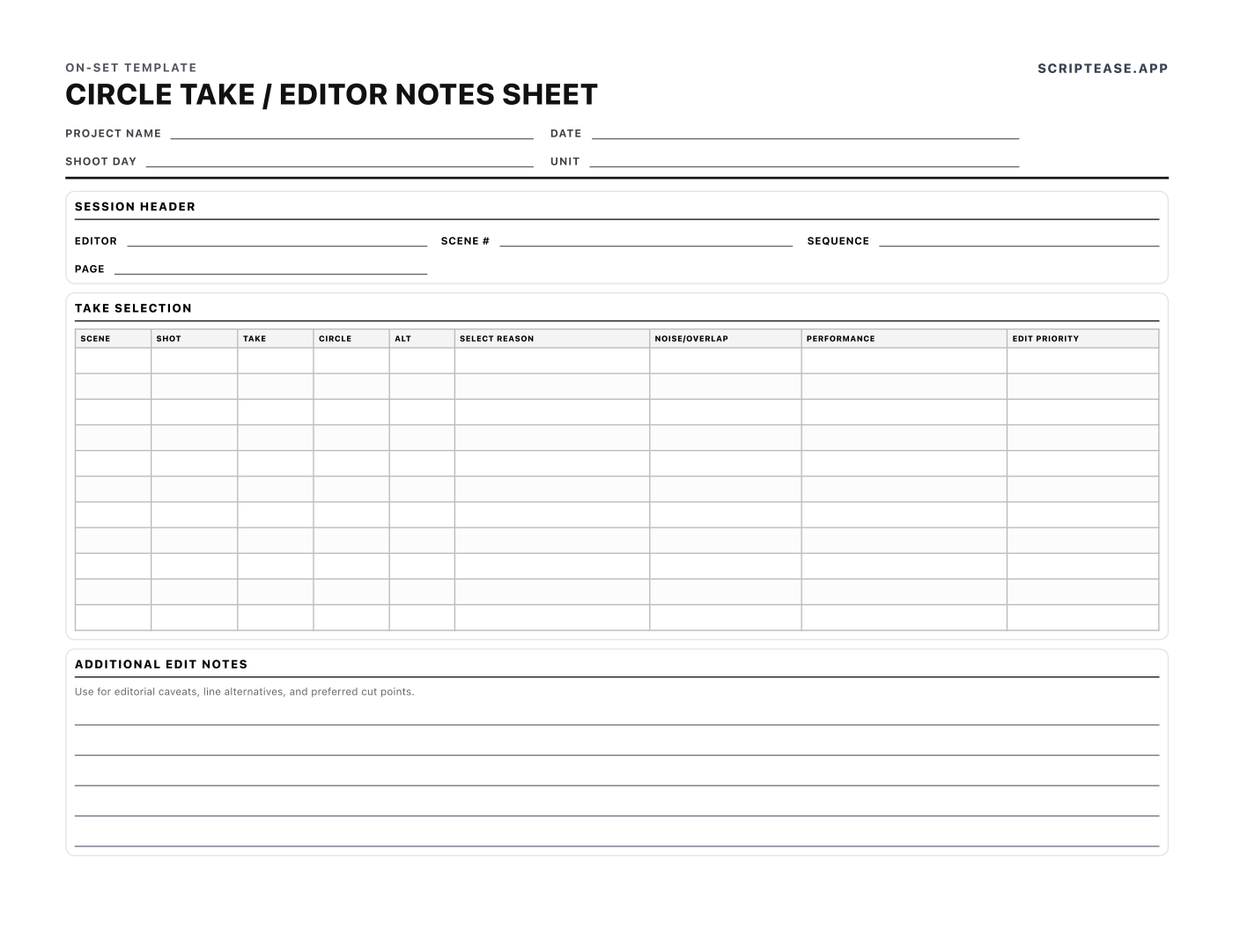
Circle Take / Editor Notes
Free circle take and editor notes sheet: selects, alternates, overlap, performance and edit priority for the cutting room. PDF, no signup.
View & download →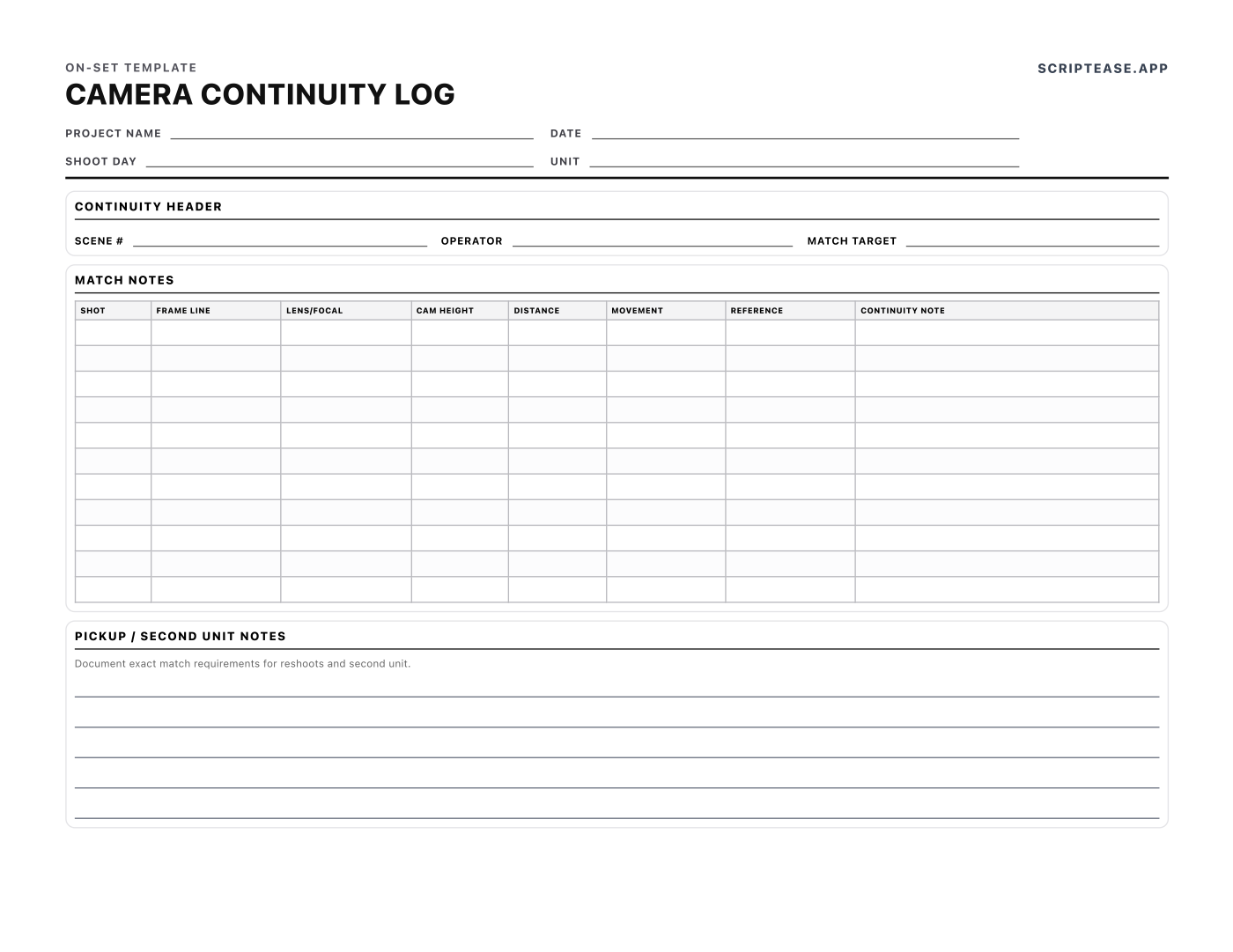
Camera Continuity Log
Free printable camera continuity log: frame line, lens, camera height, distance and movement so pickups match. US Letter PDF, no signup.
View & download →Which sheet do I need?
| Form | When it's filled in | Who reads it | |
|---|---|---|---|
| Script supervisor notes | During every take: scene, setup, take, camera and sound roll, lens, MOS or sync, circled takes, line changes | Editorial and the assistant editor; production for the day's totals | |
| Script continuity sheet | Between takes and setups: which hand held the glass, screen direction, eyelines, hero props, resets | The script supervisor, and wardrobe, props and hair and makeup at every reset | |
| Camera continuity log | Whenever camera moves: frame line, lens, height, distance, movement | The camera department, pickups and second unit | |
| Daily progress report | At wrap: pages scheduled vs completed, setups, screen time, causes of loss | The UPM and ADs, alongside the daily production report | |
| Circle take / editor notes | End of the day, from the notes: selects, alternates, overlap, performance | The editor and the cutting room |
If you only print one form, print the script supervisor notes sheet.
How to use these forms well
Keep one numbering system across every sheet. The scene and setup numbers on your notes have to match the slate, the camera report and the sound report, or editorial spends a day reconciling them. Write continuity as states, not descriptions: "glass in right hand, half full" can be matched; "holding a drink" can't. And file the daily progress report the same day. It is the number tomorrow's schedule gets re-cut from.
For a step-by-step shooting day with these sheets, read our guide to script supervisor continuity log sheets; for the role itself, EgeTech's guide to what a script supervisor does. Other departments' continuity forms (wardrobe and costume, hair and makeup, props) are in the full template library.
How a script supervisor uses these on set
During the take, only the notes sheet. The script supervisor sits by the monitor and logs each take as it happens: slate, roll numbers, timing, whether it was circled, and any line that changed. The continuity sheet is filled on the first good take of each setup, with a reference photo, and checked before every reset.
When the camera moves, the camera log. Lens, height, distance and frame are written down at every new setup, because that is what a pickup or second-unit shot weeks later has to match.
At wrap, the two reports. The daily progress report goes to the UPM and ADs with pages and setups completed; the circle take and editor notes go to editorial with the day's footage. Editors mostly read the circled takes, the reasons a take was marked NG, and every change from the script.
The mistake they catch. The classic one is the reverse angle shot hours after the master: a glass in the other hand, an eyeline to the wrong side of the lens, a jacket now buttoned. Those are caught by checking the continuity sheet before the take rolls, not discovered in the edit.
Prefer to log takes on an iPad? Try Scripty →
Free to download and use on any production, commercial or not. No attribution required, no signup. Please don't resell them or repackage them as your own.